Growth
How to Track ChatGPT Ad Conversions (OpenAI Won't Do It For You)
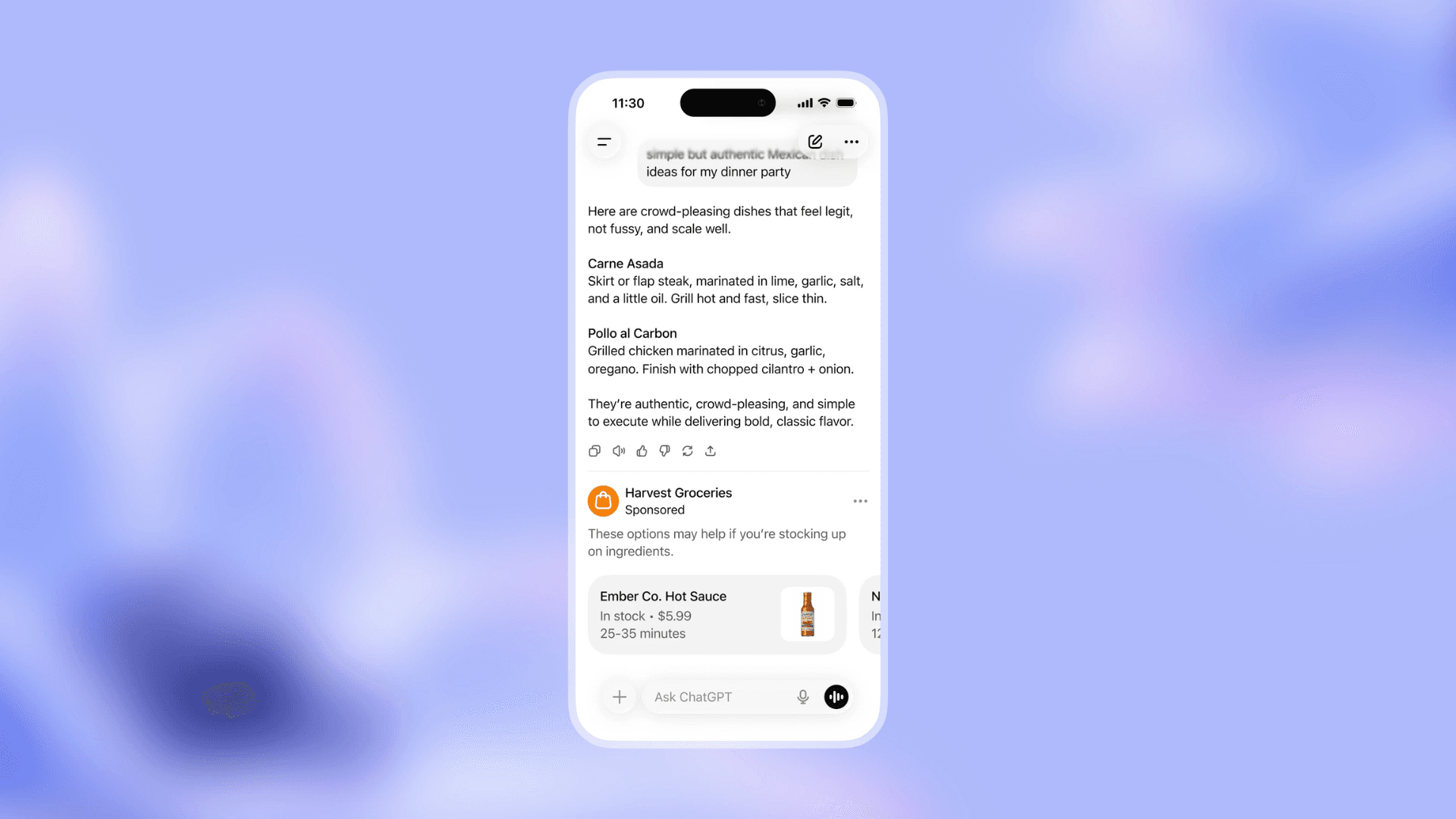
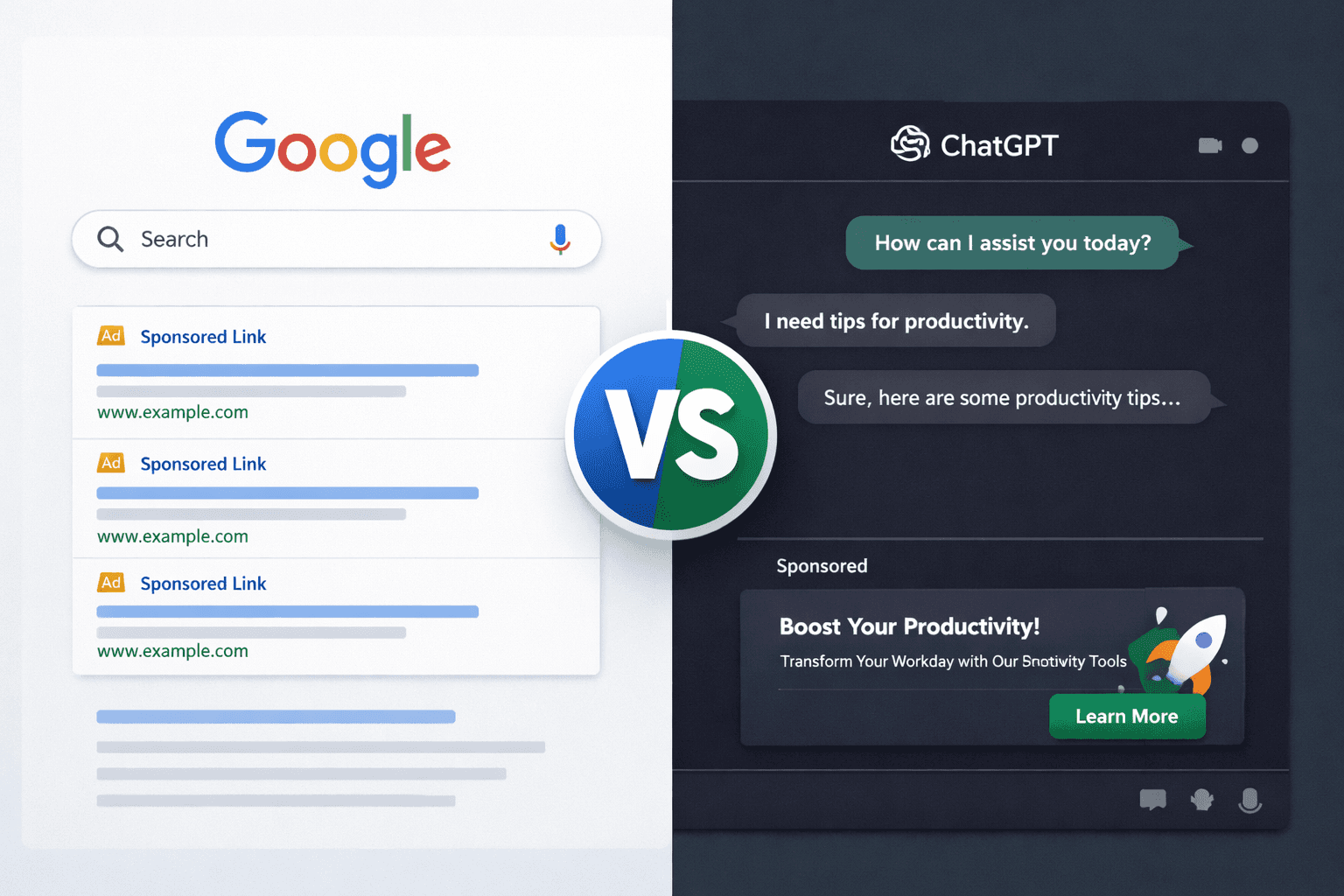
OpenAI charges $60 CPM for ChatGPT ads. That's premium pricing, significantly more than Meta or Google Display. At that price, every advertiser needs to answer one question: are these ads actually driving sales?
7 min read
How to Track ChatGPT Ad Conversions (OpenAI Won't Do It For You)
OpenAI charges $60 CPM for ChatGPT ads. That's premium pricing, significantly more than Meta or Google Display. At that price, every advertiser needs to answer one question: are these ads actually driving sales?
The problem? OpenAI won't help you answer it.
Why Doesn't OpenAI Track Conversions for ChatGPT Ads?
OpenAI has been explicit: they provide "high-level" metrics only. You get impressions and clicks. You do NOT get:
How many clicks turned into purchases
How much revenue your ChatGPT ads generated
Which conversations or topics drive the best conversions
Your return on ad spend (ROAS)
Whether a visitor who clicked last week came back and bought today
This is a deliberate choice, not an oversight. OpenAI's ad principles emphasize conversation privacy. They keep conversations private from advertisers and never sell user data. Building conversion tracking would require sharing user journey data with advertisers, which conflicts with their privacy stance.
This mirrors the broader ad industry. Facebook doesn't build Hyros. Google doesn't build Triple Whale. Ad platforms sell impressions, and third-party tools handle measurement. ChatGPT is following the same pattern.
What Is a Tracking Pixel and How Does It Work for ChatGPT Ads?
A tracking pixel is a small JavaScript snippet you install on your website, similar to the Meta Pixel or Google Tag. It's invisible to visitors but monitors where they came from and what they do on your site.
Here's how it works for ChatGPT ads specifically:
Step 1: A user sees your ad in ChatGPT and clicks it.
Step 2: They land on your website. The pixel activates.
Step 3: The pixel checks the referrer. The browser automatically reports that the visitor came from chatgpt.com or chat.openai.com. It also checks for URL parameters like utm_source=chatgpt or OpenAI-specific click IDs.
Step 4: The pixel tags this visitor as "ChatGPT traffic" and stores a cookie.
Step 5: The pixel tracks their entire journey, including pages viewed, time on site, and actions taken.
Step 6: If they convert (purchase, form submission, demo booking, signup), the pixel records the conversion and attributes it to ChatGPT.
Step 7: Your dashboard shows total ChatGPT visitors, conversions, revenue, and ROAS.
No OpenAI API or permission needed. The pixel lives on YOUR website. You're tracking activity on your own property.
How Does Attribution Work When Someone Doesn't Buy Immediately?
People rarely buy on the first visit. Someone might click your ChatGPT ad on Monday, browse your site, leave, and come back Thursday to purchase.
A proper tracking pixel handles this with an attribution window, typically 30 days. The pixel stores the traffic source in a cookie, so even if the visitor returns days later through a different channel (like a Google search or direct visit), the original ChatGPT ad click still gets credit for the conversion.
This is especially important for B2B companies where sales cycles are longer. A demo request might happen a week after the initial ChatGPT ad click.
What Can I Track from ChatGPT Ads Without OpenAI's API?
Even without any integration with OpenAI's ad platform, a pixel on your website can capture:
Data Point | How It's Tracked |
|---|---|
Traffic source (ChatGPT) | Browser referrer detection |
All pages visited | On-site page tracking |
Session duration and engagement | Time tracking, scroll depth |
Device, browser, OS | Standard web analytics |
Country and location | IP-based geolocation |
Conversion events | Purchase, signup, form submission triggers |
Revenue values | Dynamic value passing on thank-you pages |
UTM campaign data | URL parameter parsing |
AI platform breakdown | Differentiate ChatGPT vs Perplexity vs Claude traffic |
What Can't I Track from ChatGPT Ads Yet?
There are limitations until OpenAI releases a full advertiser API:
Specific ad creative attribution. You can see "this conversion came from ChatGPT" but not "this exact ad headline drove it" unless you differentiate campaigns with UTM parameters.
Automatic spend import. You'll need to manually input your ad spend to calculate ROAS. No API exists to pull spend data automatically.
In-ChatGPT purchases. If someone buys through Shopify's Instant Checkout inside ChatGPT, they never visit your website and the pixel can't fire. This mainly affects simple e-commerce products.
Does ChatGPT Ad Tracking Work Better for B2B or E-Commerce?
B2B and services: Pixel tracking works perfectly.
All B2B conversions happen on your website:
Demo requests
Free trial signups
Contact form submissions
Consultation bookings
Proposal requests
There's no way to "book a $10,000 consulting engagement" or "start a SaaS free trial" inside ChatGPT. The buyer MUST visit your website. The pixel captures everything.
E-commerce: Pixel tracking works for most conversions.
Most e-commerce purchases still happen on your website. But OpenAI's Shopify integration introduces Instant Checkout, where users can buy simple products without leaving ChatGPT. For those transactions, the pixel can't track because the buyer never visits your site.
If you sell complex products, high-value items, or anything requiring customization, your conversions happen on your website and the pixel works perfectly. Simple impulse products are the main gap.
How Do I Set Up ChatGPT Ad Conversion Tracking?
Step 1: Install the Tracking Pixel
Add a JavaScript snippet to your website header. This is a one-time setup, similar to installing the Meta Pixel or Google Tag. If you use WordPress, Shopify, or most website builders, it takes under 5 minutes.
Step 2: Define Your Conversion Events
Tell the pixel what counts as a conversion for your business:
E-commerce: Purchase completion (thank-you page URL)
SaaS: Free trial signup, demo booking
Services: Contact form submission, consultation request
Lead gen: Form fill, phone call, chat initiation
Step 3: Set Up Revenue Tracking (Optional but Recommended)
To track dollar values per conversion, pass the order amount to the pixel on your confirmation page. This requires a small code addition but gives you actual ROAS calculations.
Step 4: Add UTM Parameters to Your ChatGPT Ads
Use UTM tags in your ad destination URLs to differentiate campaigns:
This lets you measure which ad campaigns and messaging drive the best results, even without OpenAI's API.
Step 5: Monitor Your Dashboard
Once tracking is live, your dashboard shows:
Total visitors from ChatGPT (and other AI platforms)
Conversion rate for ChatGPT traffic vs other sources
Revenue attributed to ChatGPT ads
Cost per acquisition (when you input ad spend)
ROAS (return on ad spend)
How Does ChatGPT Ad Tracking Compare to Meta Pixel or Google Tag?
Feature | Meta Pixel | Google Tag | ChatGPT Ad Pixel (AdConvo) |
|---|---|---|---|
Install on your website | ✅ | ✅ | ✅ |
Track conversions | ✅ | ✅ | ✅ |
Revenue attribution | ✅ | ✅ | ✅ |
Ad-level attribution | ✅ | ✅ | ✅ |
Feed data back to platform | ✅ | ✅ | ❌ (no API yet) |
Attribution window | 7-28 days | 30-90 days | 30 days |
Multi-platform AI tracking | ❌ | ❌ | ✅ (ChatGPT, Perplexity, Claude, Gemini) |
The key advantage of a ChatGPT-specific pixel is that it tracks AI traffic across ALL platforms. Not just ChatGPT, but also Perplexity, Claude, Gemini, and Copilot. As AI advertising expands beyond ChatGPT, having unified tracking across all AI platforms becomes increasingly valuable.
What Happens When OpenAI Releases an Advertiser API?
When OpenAI eventually launches a full self-serve platform with API access, tracking will become more powerful:
OAuth integration. Connect your ChatGPT ads account directly to your tracking dashboard.
Automatic spend import. No more manual entry.
Ad-level attribution. See which specific ad creative and conversation topic drove each conversion.
Conversion feedback. Send conversion data back to OpenAI to optimize ad delivery.
Until then, pixel-based tracking gives you the ROI visibility you need to justify and optimize your ChatGPT ad spend.
What Is the Best Tool for Tracking ChatGPT Ad Conversions?
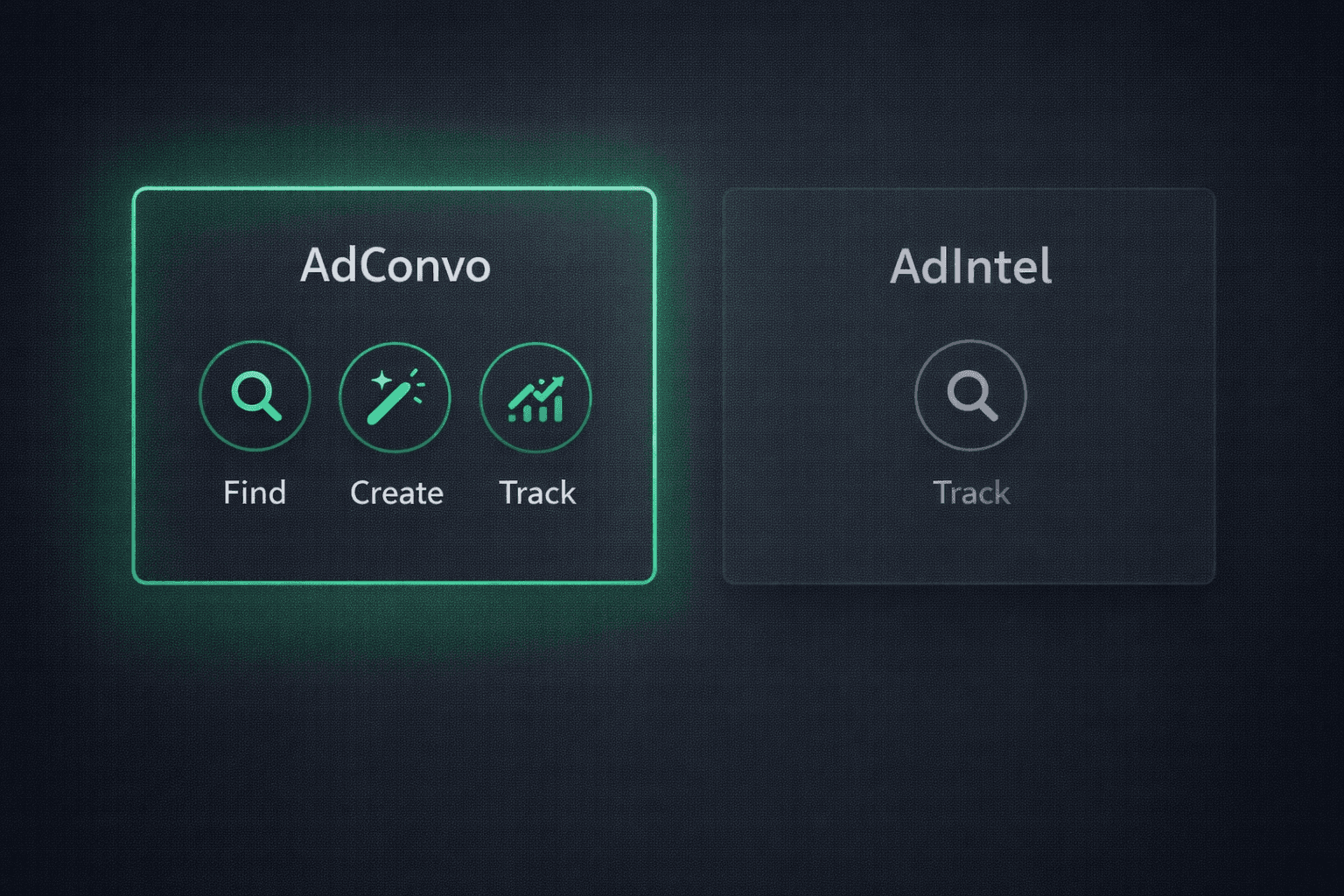
AdConvo is the first and only platform with a tracking pixel built specifically for ChatGPT ads. No other tool (not Hyros, not Triple Whale, not Cometly) currently tracks ChatGPT ad conversions.
AdConvo's pixel detects AI traffic sources, tracks the complete visitor journey, and attributes conversions with a 30-day window. Plus, AdConvo includes competitive intelligence (spy on competitor ChatGPT ads) and AI-powered ad creation tools, so you can find what works, create winning ads, and track results all in one platform.
Don't spend at $60 CPM without knowing what's working.
Join 500+ businesses on the AdConvo waitlist →
Last updated: February 2026
View more articles
Learn actionable strategies, proven workflows, and tips from experts to help your product thrive.